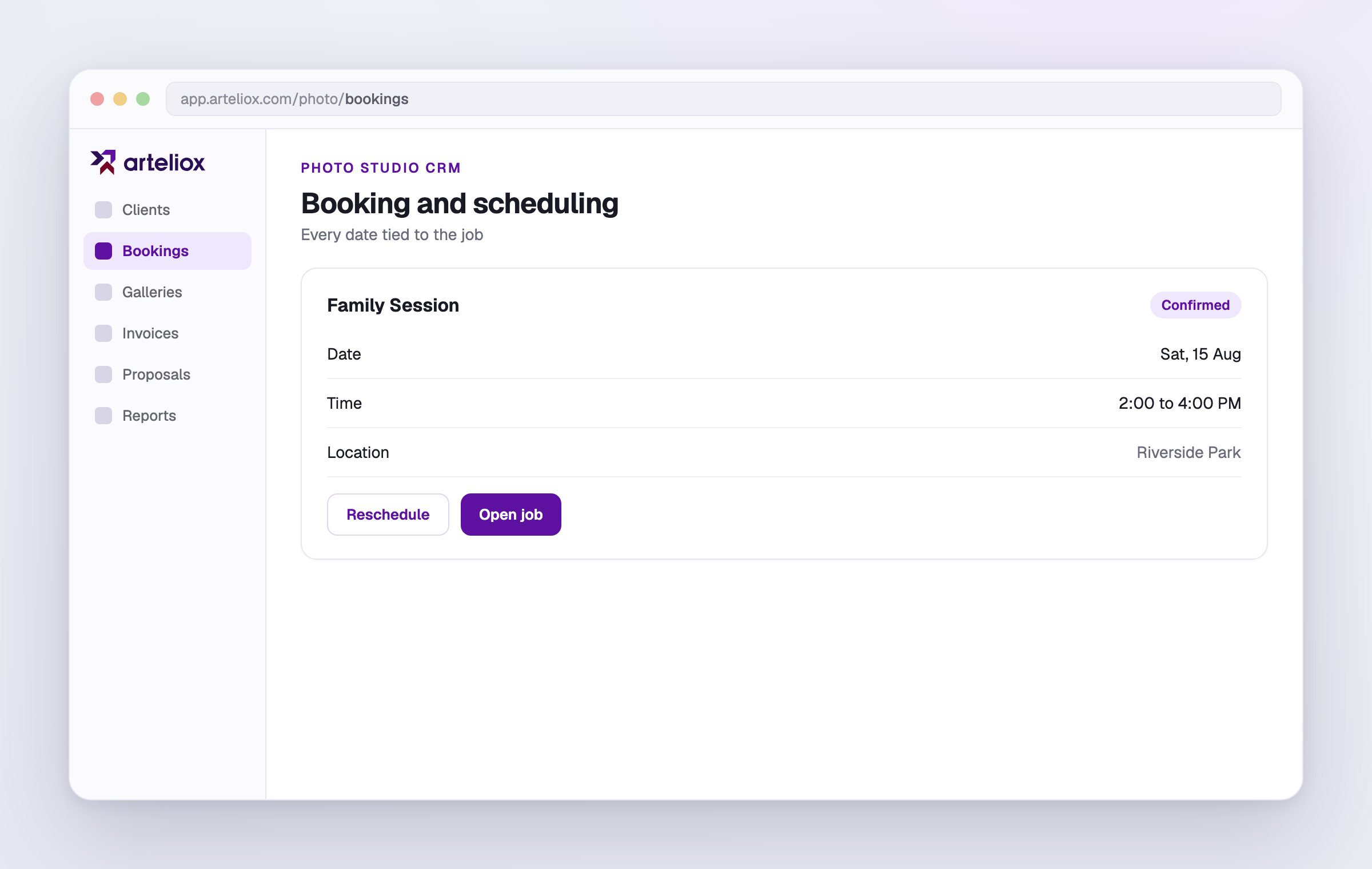
Every shoot date and reschedule, tied to the client and the job.
A studio runs on dates. Arteliox keeps each booking, its time window, and any reschedule attached to the client and the job, so your calendar and your records tell the same story.
Dates that belong to the job
A booking is not a floating calendar entry. It sits on the order, next to the proposal, contract, and invoices, so you see the whole job in one view.
Reschedule without the mess
Move a shoot and the change is recorded against the job, so there is no confusion about which date is current. The history stays clear.
One source of truth
Because bookings live with the rest of the work, you are never cross-checking a separate calendar against your paperwork. It is all one record.
- Bookings tied to the client and order
- Reschedules recorded cleanly
- Calendar and paperwork stay in sync
Be first in when we open
Leave your email and we will tell you the day Photo Studio CRM opens. Your first 14 days will be free, and no card is needed to start. We will use your address once, for that message only.
Questions, answered
What is booking in Arteliox?
It is scheduling that lives on the job. Each shoot has a date and time window tied to the client and order, so the booking and the paperwork stay together.
Can I reschedule a shoot?
Yes. Move the date and time window and the change is recorded against the job, so the current date is always clear and the history is kept.
How does it connect to the rest of a job?
A booking sits on the same order as the proposal, contract, and invoices, so you see the shoot date in the full context of the job rather than in a separate calendar.
Deliver like this to your own clients
Start a 14-day free trial, no card required. Send a private, branded gallery in minutes.
Start free trial